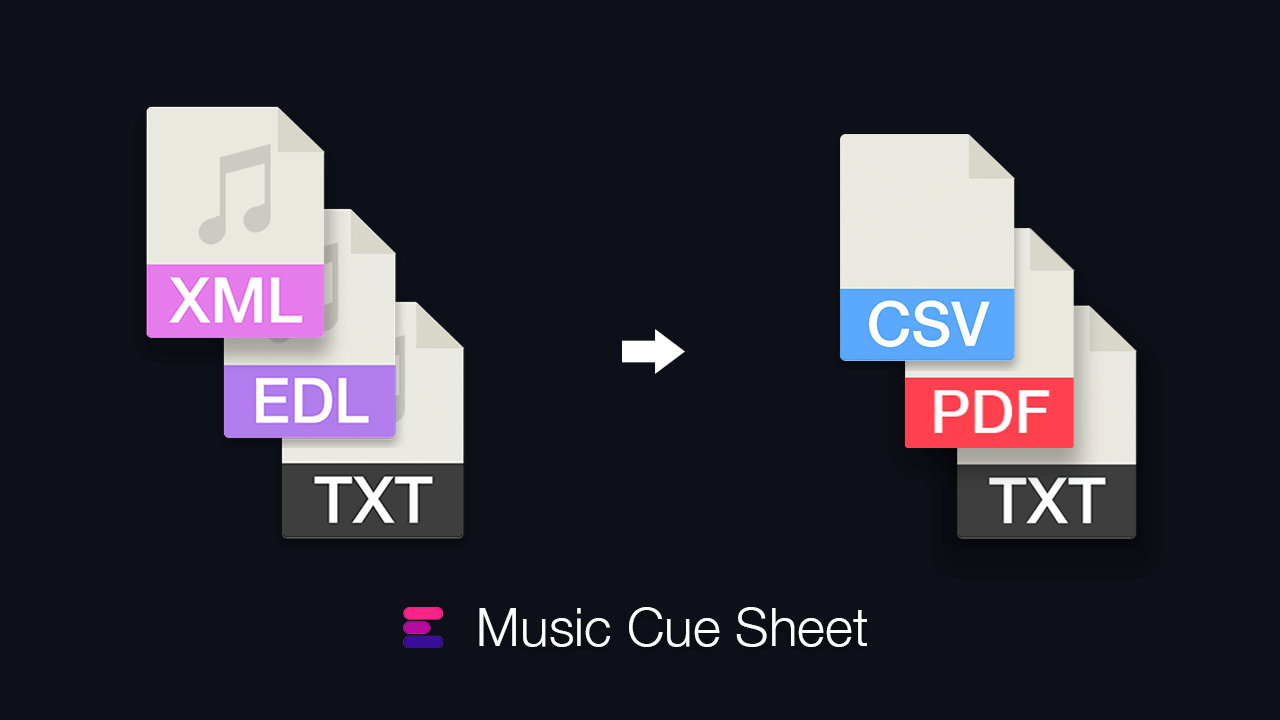
Questo plugin aiuta i montatori cinematografici a preparare facilmente le modifiche per il processo di cue sheet musicale, eliminando la necessità di scambiare XML o EDL da Premiere Pro. Il plugin permette di filtrare rapidamente la musica generando un elenco di tracce attive o utilizzando una delle numerose opzioni di filtro. L'elenco generato può essere visualizzato in anteprima, regolato e caricato su EditingTools.io.
for Adobe Premiere Pro CC 2022+
For Windows and MacOS.
This is a free, light version of our Listify plugin for Premiere Pro and focuses only on audio clips.
This plugin requires an API key, which can be created for free in your user account.
Also available on the Adobe Exchange Store.
Filtering allows you to search using specific criteria, such as clip or file name, as well as other criteria. You can add multiple criteria and save them as presets for quick access.
The plugin can be set to search only selected audio tracks. You can choose to include or exclude disabled clips, as well as merge overlapping clips into a single entry. This gives you the ultimate control over which clips are included in the list.
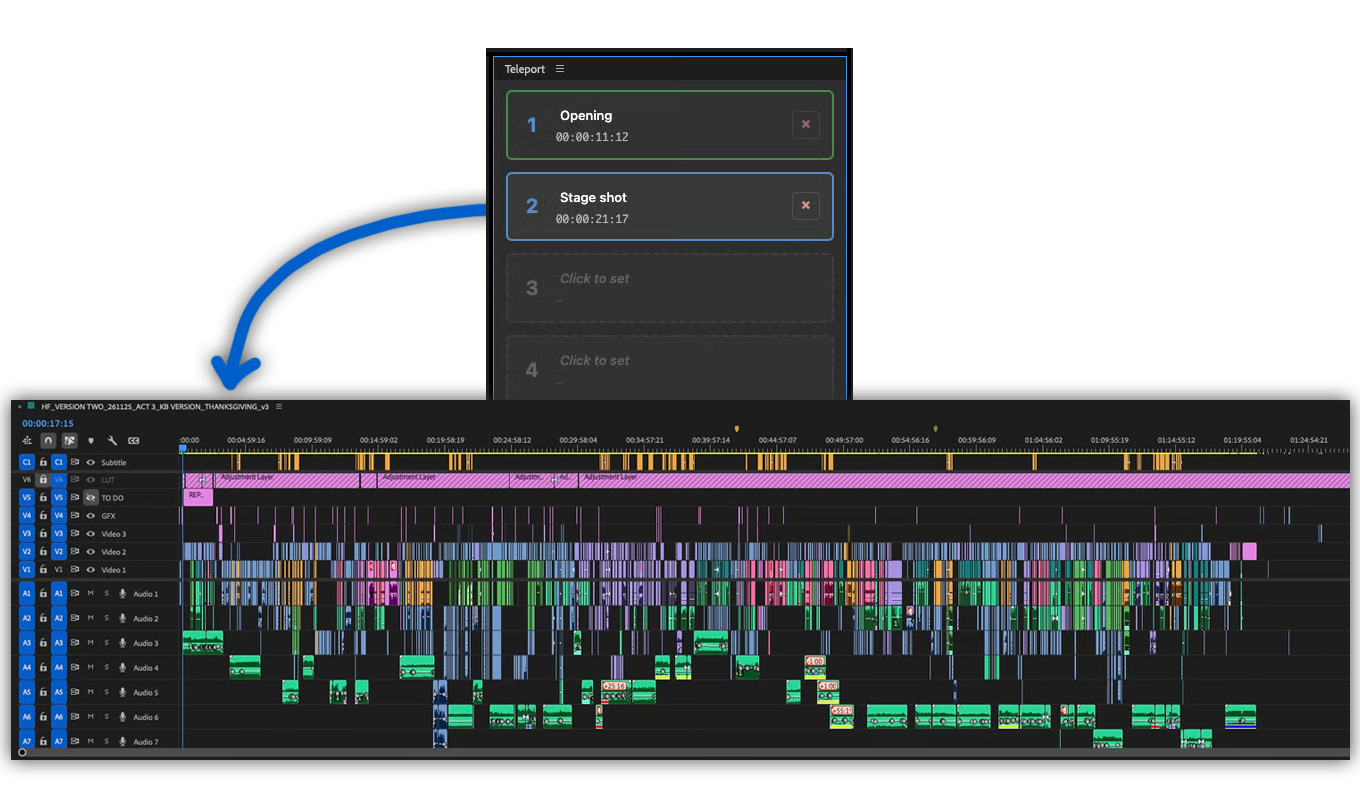
Finding a clip in the current edit is as easy as clicking on an item in the generated list. The cursor will then jump to the clip's position.
With one click, the list can be uploaded to the Music Cue Sheet Manager on EditingTools.io, where additional metadata can easily be added.
With our Cue Sheet Manager, it's easy to retrieve track metadata from our partner production music libraries.
Limit the list to active tracks only. Select "Options > Targeted Tracks" and check only tracks containing music to ignore irrelevant audio.
Create filters to show only tracks containing specific keywords (e.g., search for "apm" to find all APM Music tracks).
Create an API Key at editingtools.io/account/api/, paste it into the plugin, and upload your project directly.
Open your profile to scan libraries and edit track details. Export your finished cue sheet as Excel, CSV, or CISAC standard formats.
Our "Listify" plugin offers video track support, PDF exports, thumbnail generation, and more.
Check out Listify
Se hai domande o richieste di funzionalità, contatta il nostro team di assistenza. Saremo lieti di assisterti!
Close Adobe Premiere Pro before installing the plugin. You can then run the .pkg installer for MacOS or the .exe installer for Windows. It is also possible to install the extension using the ZXP file. This requires the ZXP installer.
If you already have the plugin installed and want to install a new version of the plugin, you can simply run the new installer. It is not necessary to uninstall the old version, the new one will overwrite everything.
You can activate the plugin panel in Premiere Pro menu under "Window > Extensions > Music Cue Sheet Uploader".
Yes, the plugin can be started without a network connection. However, you need an internet connection and a free EditingTools.io account to use the "Upload to EditingTools.io" feature.
No, your data will remain on your machine.
Yes. The plugin was designed to support all types of projects, including highly restricted productions with signed NDAs. It will not share any data with devices other than your own.
However, if you decide to use the "Upload to EditingTools.io" feature, the metadata from the collected list will be uploaded to your personal EditingTools.io account.
Close and reopen the panel. This should reload the plugin and solve the problem. If that doesn't work, try restarting Premiere Pro or reinstalling the latest plugin update.
Lo abbiamo testato su Premiere Pro 2021, 2022 e 2023. Anche le versioni precedenti potrebbero funzionare, ma al momento non possiamo garantirlo. Se utilizzi una versione precedente di Premiere Pro, facci sapere com'è la tua esperienza.
Il plugin è stato scritto per Windows 10 e MacOS 12 (Montery). Per il momento non sono escluse altre versioni, ma non possiamo escludere problemi di prova con le versioni precedenti. Se utilizzi un sistema operativo più vecchio, facci sapere com'è la tua esperienza.
If you need a new feature, option, or customized version of the plugin, please send us a message. We offer custom solutions for businesses.
On Windows the extension can be easily uninstalled under "Add/Remove Programs".
On MacOS the extension can be easily uninstalled by deleting the folder "/Library/Application Support/Adobe/CEP/extensions/Music Cue Sheet Uploader