Keyword Marker

Keyword Marker

Standard search tools are temporary. Keyword Marker is permanent. Whether you're looking for specific action cues across 50 takes or mapping out topic clusters in a feature-length documentary, this plugin creates a visual map of your story that stays with you until the final export. Stop wasting time searching your own footage.

Caratteristiche

  • Mark every instance of a keyword across your entire timeline
  • Jump between moments without ever typing the same word twice
  • Place markers directly on clips so they travel with your media
  • Perfect tool for complex, multi-camera workflows or interviews

for Adobe Premiere Pro CC 2022+
For Windows and MacOS.

Find Keywords

As an editor, you know how frustrating it is to find the perfect sound bite in a two-hour interview only to lose that location the moment you clear your search bar. Keyword Marker transforms your transcript searches into permanent visual markers on your Adobe Premiere Pro timeline.

How it works in 3-steps:

  1. Export: Transcribe your footage and export an SRT file.
  2. Search: Import the SRT into Keyword Marker and type your keywords.
  3. Generate: Add hundreds of markers at once, or clear them all to reset your workspace.

Features

  • Preview every keyword instance with timecodes before committing, ensuring your markers land exactly where they should.
  • Quickly find specific quotes, names, or topics in hours of raw footage.
  • Sequence and SRT validation ensures your markers are always frame-accurate.
  • Save your most-used search terms (like "Action," "Laugh," or "Product Name") for recurring projects.
  • Use color-coded markers to navigate verse, chorus, and bridge sections for instant orientation.
  • Use sync-perfect markers that stay attached to your clips, even when you move them.
  • Proximity warnings prevent markers from overlapping, keeping your timeline clean.

Choose your license

We offer three types of licenses. The single-user license is ideal for freelancers who want to use the software on one or two computers. This license is tied to a single account. For companies, we offer a team license, which is bound to the company. The number of licenses can be chosen upon purchase, with a minimum of three licenses. We also offer an enterprise option. Please contact our sales team for more information. All licenses are perpetual.

We recommend logging in before making a purchase to ensure easy access to future plugin updates.
Licenza per utente singolo
loading...
TEAM LICENSE - STARTING WITH 3 USERS
loading...
Single-user licenses can also be purchased from the Adobe Exchange Store.
Please contact our sales team for an enterprise license.

Nota bene: il plugin è attualmente disponibile solo in inglese.

You will be redirected to the secure "Paddle" checkout. Paddle.com is the Merchant of Record.

Reverse-Charge: If you are buying for a company and have a VAT ID, you may be able to use the reverse charge procedure in some countries. On the checkout page, click "Add VAT ID" on the left after selecting your country and postcode.

Business team licenses cannot be purchased through the Adobe Exchange Store.

Supporto

Se hai domande o richieste di funzionalità, contatta il nostro team di assistenza. Saremo lieti di assisterti!

DOMANDE FREQUENTI

To install the plugin, use the ZXP Installer from AE Scripts or Anastasiy Extension Manager. These installers are free.

If you already have the plugin installed and want to install a new version of the plugin, you can simply run the new installer. It is not necessary to uninstall the old version, the new one will overwrite everything.

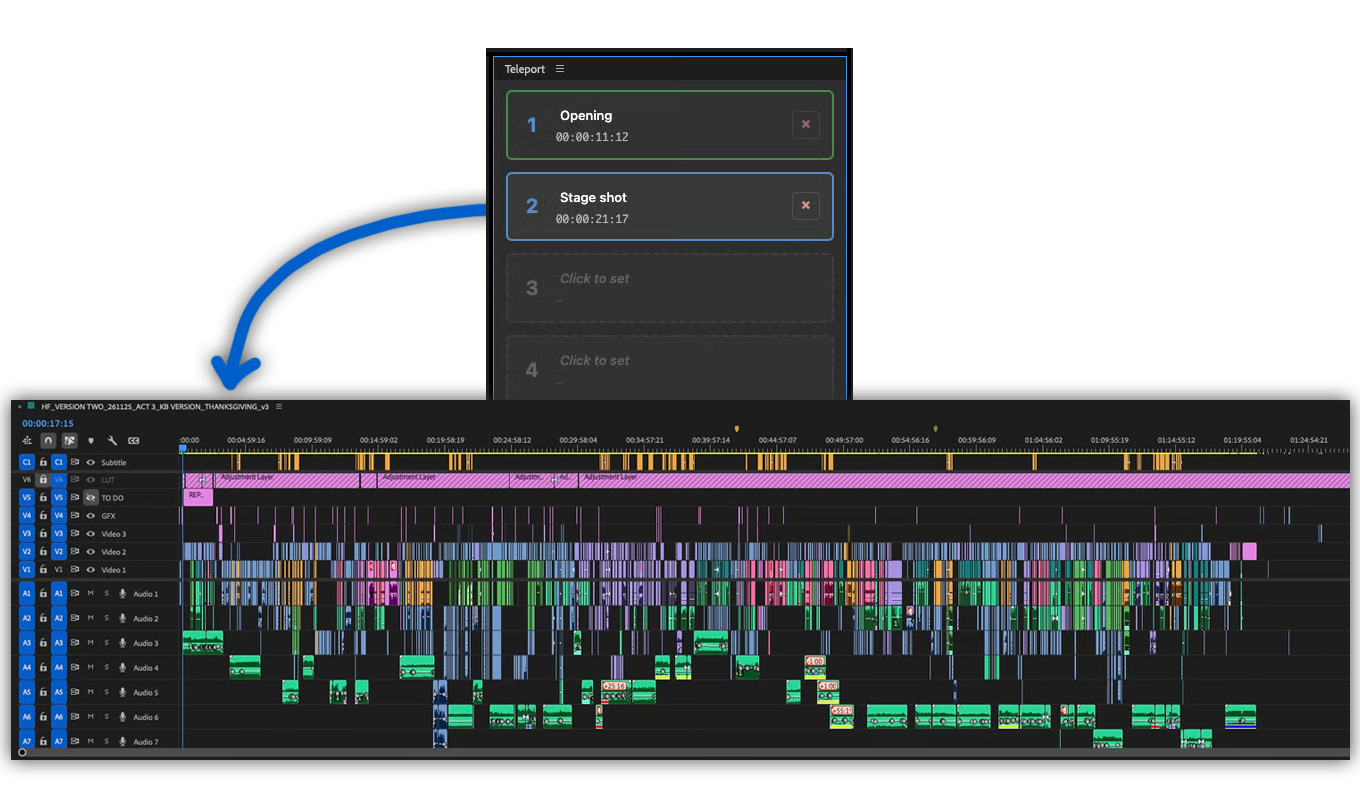
You can activate the plugin panel in Premiere Pro menu under "Window > Extensions > Teleport".

Yes. It also works on air-gapped systems.

No, your data will remain on your machine.

Yes. The plugin was designed to support all types of projects, including highly restricted productions with signed NDAs. It will not share any data with devices other than your own.

Close and reopen the panel. This should reload the plugin and solve the problem. If that doesn't work, try restarting Premiere Pro or reinstalling the latest plugin update.

Lo abbiamo testato su Premiere Pro 2021, 2022 e 2023. Anche le versioni precedenti potrebbero funzionare, ma al momento non possiamo garantirlo. Se utilizzi una versione precedente di Premiere Pro, facci sapere com'è la tua esperienza.

Il plugin è stato scritto per Windows 10 e MacOS 12 (Montery). Per il momento non sono escluse altre versioni, ma non possiamo escludere problemi di prova con le versioni precedenti. Se utilizzi un sistema operativo più vecchio, facci sapere com'è la tua esperienza.

If you purchased the plugin without creating an account, there are two ways to download an update or redownload the plugin. The fastest option is to create a free account using the email address associated with your purchase. This will automatically link the purchased license to your account. Once you are logged in, you can find the plugin under Purchases and download it again. If you do not see your plugin, click on "Relink purchases." Note that a plugin can only be relinked automatically if the same email address is used. Another option is to contact our support team and request a new download link. However, this process may take some time.

If you need a new feature, option, or customized version of the plugin, please send us a message. We offer custom solutions for businesses.

On Windows the extension can be easily uninstalled under "Add/Remove Programs".

On MacOS the extension can be easily uninstalled by deleting the folder "/Library/Application Support/Adobe/CEP/extensions/Teleport".