EDL Tool & Converter
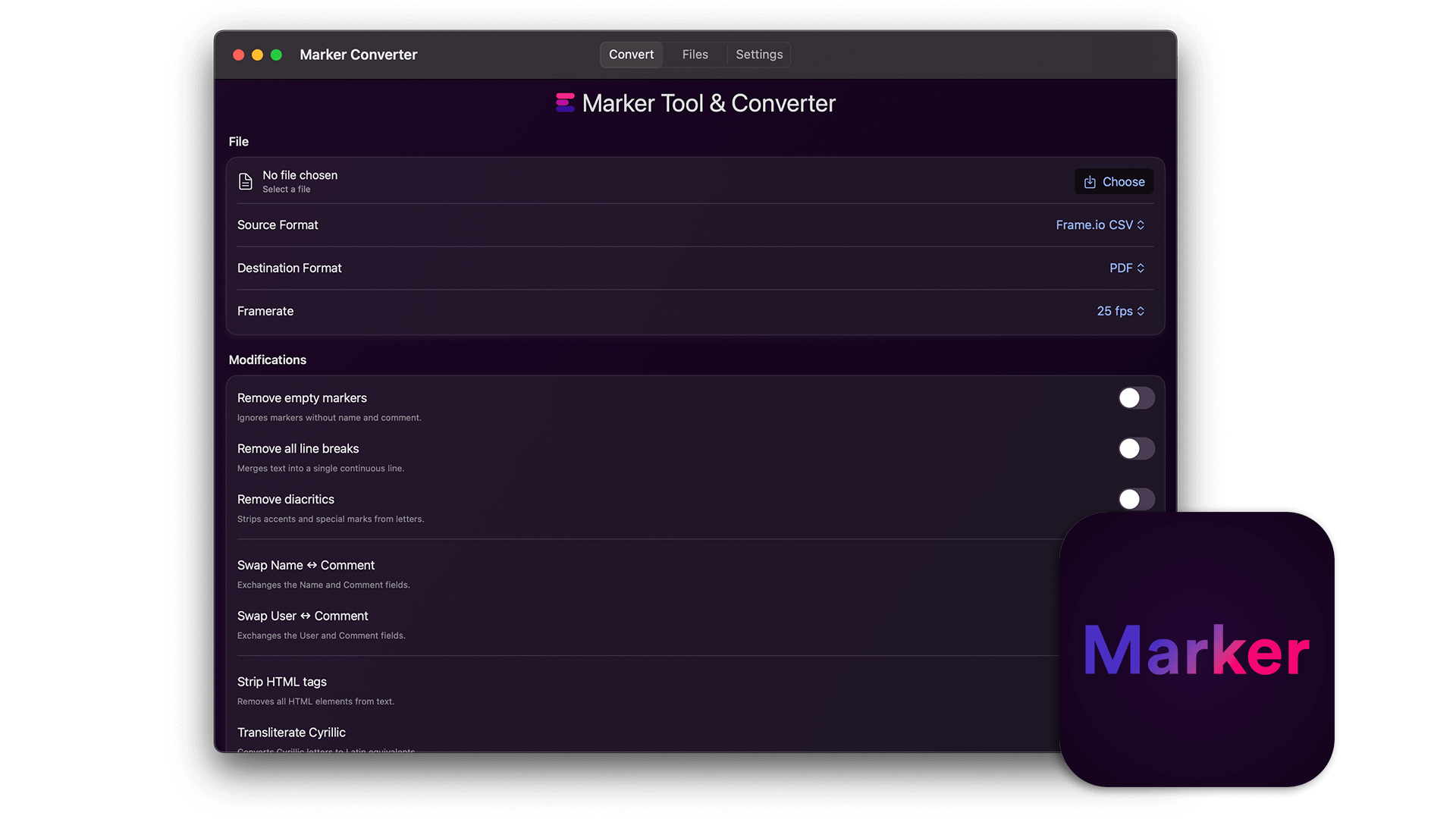
The EditingTools.io EDL Tool & Converter helps with converting and modifying .edl files.
The EditingTools.io EDL Tool & Converter helps with converting and modifying .edl files.

Requires macOS 14.6 or later
iPhone & iPad iOS 17.6 or later
The EditingTools.io EDL Tool & Converter helps with converting and modifying .edl files. It is a perfect tool to create lists and sheets as well.
This app is a smaller version of our EDL Converter on EditingTools.io/edl and works completely offline. We built this app with security in mind, which means no data is shared with any third party and everything is stored and processed locally unless you choose to share the files. Data processing is local, secure and confidential and can also be used for top secret projects.
We offer three types of licenses. The single-user license is ideal for freelancers who want to use the software on one or two computers. This license is tied to a single account. For companies, we offer a team license, which is bound to the company. The number of licenses can be chosen upon purchase, with a minimum of three licenses. We also offer an enterprise option. Please contact our sales team for more information. All licenses are perpetual.
Nota bene: il plugin è attualmente disponibile solo in inglese.
You will be redirected to the secure "Paddle" checkout. Paddle.com is the Merchant of Record.
Reverse-Charge: If you are buying for a company and have a VAT ID, you may be able to use the reverse charge procedure in some countries. On the checkout page, click "Add VAT ID" on the left after selecting your country and postcode.
Se hai domande o richieste di funzionalità, contatta il nostro team di assistenza. Saremo lieti di assisterti!
Dopo il download, decomprimi il file zip e avvia il file .app. Poi segui la procedura guidata di installazione.
Sì, se sono disponibili aggiornamenti, puoi scaricarli gratuitamente.
No, questa applicazione funziona offline e non condivide i dati del progetto online.
Puoi semplicemente cancellare il file .app dal tuo computer.
Se hai bisogno di una funzione dell'app, di una nuova opzione o di una versione personalizzata, inviaci un messaggio. Forniamo soluzioni personalizzate per la tua attività.