1. Export a CSV file from Live Timecode Notes app
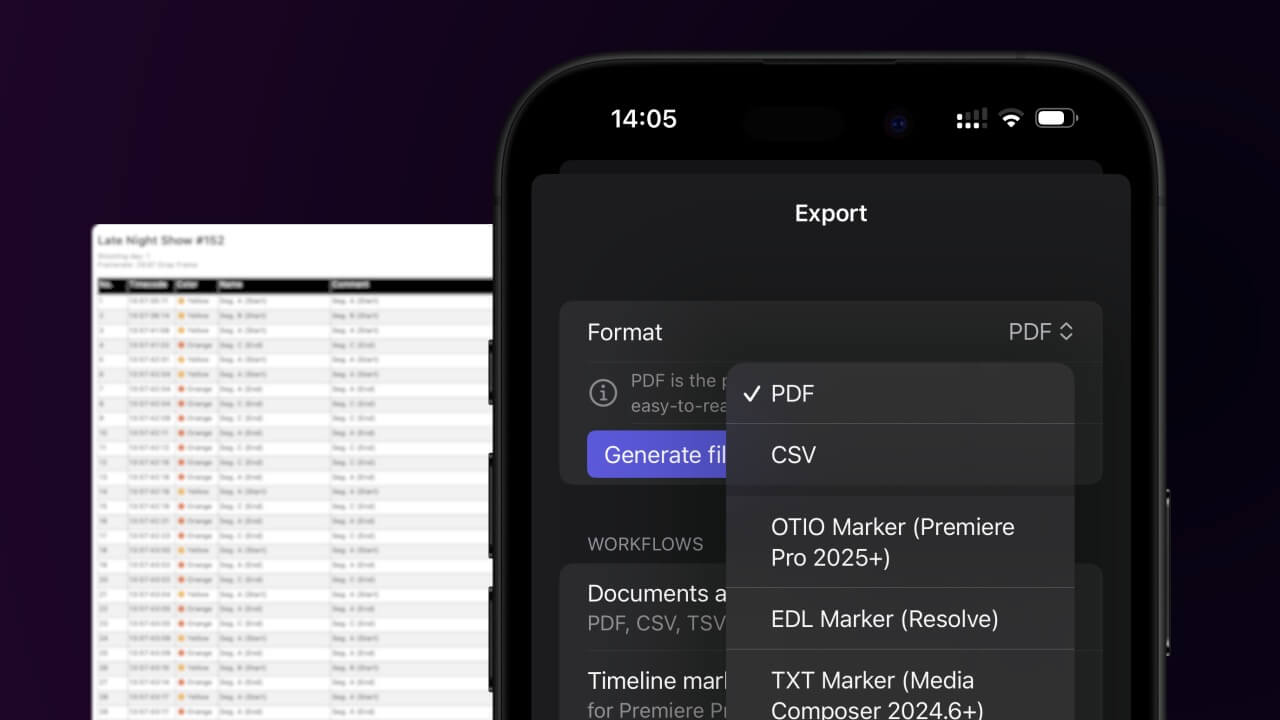
Open the project in the app, then select "Export Notes" from the top menu. Select "CSV". Generate and save the file.
2. Use the "Strumento e convertitore di sottotitoli" to convert the CSV file into a DFXP subtitle file
Open the free Strumento e convertitore di sottotitoli, select "CSV" and set "convert" to "DFXP". Generate and download the file. Se hai problemi a convertire il file, puoi contattare il supporto gratuito.
Make sure the CSV contains a column called "Timecode In", "Timecode Out" and "Subtitle". Otherwise it will not work.
🚀 Fatto
Per ora è tutto! Se hai trovato utile questo tutorial, condividilo per sostenerci. Se hai suggerimenti su come migliorare il flusso di lavoro, faccelo sapere!